

Introduction
Choosing the right resume fonts is one of the most important steps when creating a strong CV, yet many people ignore it. The font you select can shape how employers see your personality, professionalism, and attention to detail within seconds. A clean and readable style makes your content easy to scan, while a poor choice can distract or even frustrate the reader. In today’s fast-moving job market, where hiring managers often spend only a few seconds reviewing each application, the right font can quietly boost your chances of getting noticed.
Why Resume Fonts Matter More Than You Think
The visual presentation of a resume speaks before your words do, and that is why font selection matters so much. When a recruiter opens your CV, they are not just reading your experience but also judging how clearly and confidently you present yourself. A well-chosen font builds trust and shows that you respect the reader’s time, while a messy or decorative font can create confusion. Good resume fonts help guide the reader’s eyes smoothly across your content, making it easier to understand your skills and achievements without effort.
Top Resume Fonts That Work in Every Industry
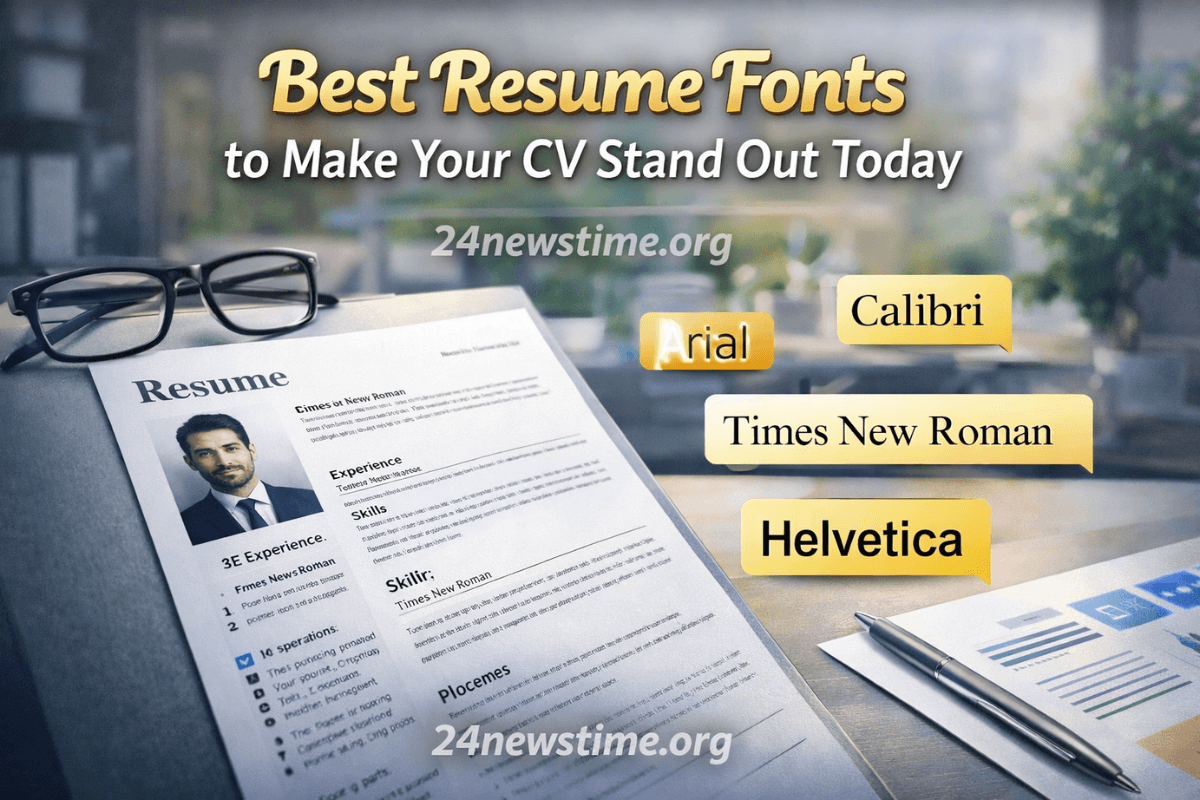
Some fonts have become popular because they balance style and readability perfectly. Fonts like Arial, Calibri, and Times New Roman are widely accepted because they look clean and professional on all devices. Calibri feels modern and friendly, while Times New Roman gives a more traditional and formal impression. Arial sits somewhere in between, offering clarity without looking too strict. These resume fonts are safe choices because they work well across different industries and maintain consistency when your document is opened on different systems.
Modern Fonts for a Fresh and Clean Look
If you want your CV to feel more current, you can explore modern fonts such as Helvetica, Garamond, or Georgia. These fonts add a subtle personality without compromising readability. Helvetica is especially popular for its balanced spacing and clean lines, making it ideal for digital viewing. Georgia, on the other hand, is designed for screen readability and works well if your resume is likely to be viewed online. Using modern resume fonts can help your CV feel updated and visually appealing while still maintaining a professional tone.
Fonts You Should Avoid in a Resume
Not all fonts are suitable for professional use, even if they look attractive. Fonts like Comic Sans, Papyrus, or overly decorative script styles can make your resume look unprofessional. These fonts may appear playful or artistic, but they reduce readability and distract from your content. Recruiters may struggle to focus on your achievements if the text itself feels difficult to read. Choosing the wrong resume fonts can unintentionally send the message that you lack attention to detail, which is something you want to avoid completely.
How Font Size Impacts Readability
Font size plays a key role alongside font style. Even the best resume fonts can fail if the size is too small or too large. A size between 10 and 12 points is usually ideal for the main text, while headings can be slightly larger to create a clear structure. Proper spacing between lines also improves readability and makes your document look neat. The goal is to create a comfortable reading experience where the recruiter can quickly find important information without straining their eyes.
Balancing Style and Simplicity
A good resume should look professional without being boring, and this is where balance becomes important. You can use one font for headings and another for body text, but both should complement each other. Avoid mixing too many styles, as it can make your resume look cluttered. The best resume fonts are those that quietly support your content rather than overpower it. Simplicity often creates a stronger impression than trying too hard to stand out with unusual design choices.
Matching Fonts with Your Career Field
Different industries have different expectations when it comes to design. For example, creative fields like graphic design or media may allow slightly more expressive fonts, while corporate roles prefer clean and traditional styles. Understanding your target field can help you choose the right resume fonts that match its tone. A finance professional might benefit from a classic look, while a designer could use a modern font to show creativity without losing clarity.
Tips to Make Your Resume Look Professional
A professional resume is not only about the font but also how you use it. Keep your formatting consistent throughout the document, including headings, bullet points, and spacing. Avoid using too many bold or italic styles, as this can reduce clarity. White space is equally important because it prevents your resume from looking crowded. When used correctly, resume fonts can enhance your layout and make your CV look polished and easy to read.
Common Mistakes People Make with Fonts
Many job seekers make simple mistakes that affect the quality of their resume. One common error is using multiple fonts that do not match, which creates a messy appearance. Another mistake is choosing a font that looks good on one device but appears broken on another. Some people also try to fit too much content by reducing the font size, which makes the resume difficult to read. Avoiding these mistakes ensures that your resume remains clear, professional, and effective.
Conclusion
The right font choice may seem like a small detail, but it has a powerful impact on how your resume is perceived. Clean, simple, and readable fonts allow your skills and experience to shine without distraction. By selecting the right resume fonts and using them consistently, you create a document that feels professional and easy to understand. Take the time to review your font choices carefully, as they can make a real difference in how your application is received. For more helpful guides like this, you can visit https://24newstime.org/.
What are the best resume fonts?
Simple and clean fonts like Arial, Calibri, and Times New Roman work best.
Can I use stylish fonts in my resume?
It is better to avoid overly decorative fonts and keep it professional.
What font size should I use in a resume?
Use 10–12 for body text and slightly larger sizes for headings.
Is it okay to use two fonts in a resume?
Yes, but only if they match well and keep the design simple.
Do fonts really affect hiring decisions?
Yes, they influence readability and first impressions.
Resume Font Comparison
| Font Name | Style Type | Best For | Readability Level | Impression |
| Arial | Sans-serif | General use | High | Clean & simple |
| Calibri | Sans-serif | Modern resumes | High | Friendly & neat |
| Times New Roman | Serif | Formal roles | Medium | Traditional |
| Helvetica | Sans-serif | Creative & digital | High | Modern & sharp |
| Georgia | Serif | Online viewing | High | Elegant |
| Garamond | Serif | Academic resumes | Medium | Classic |